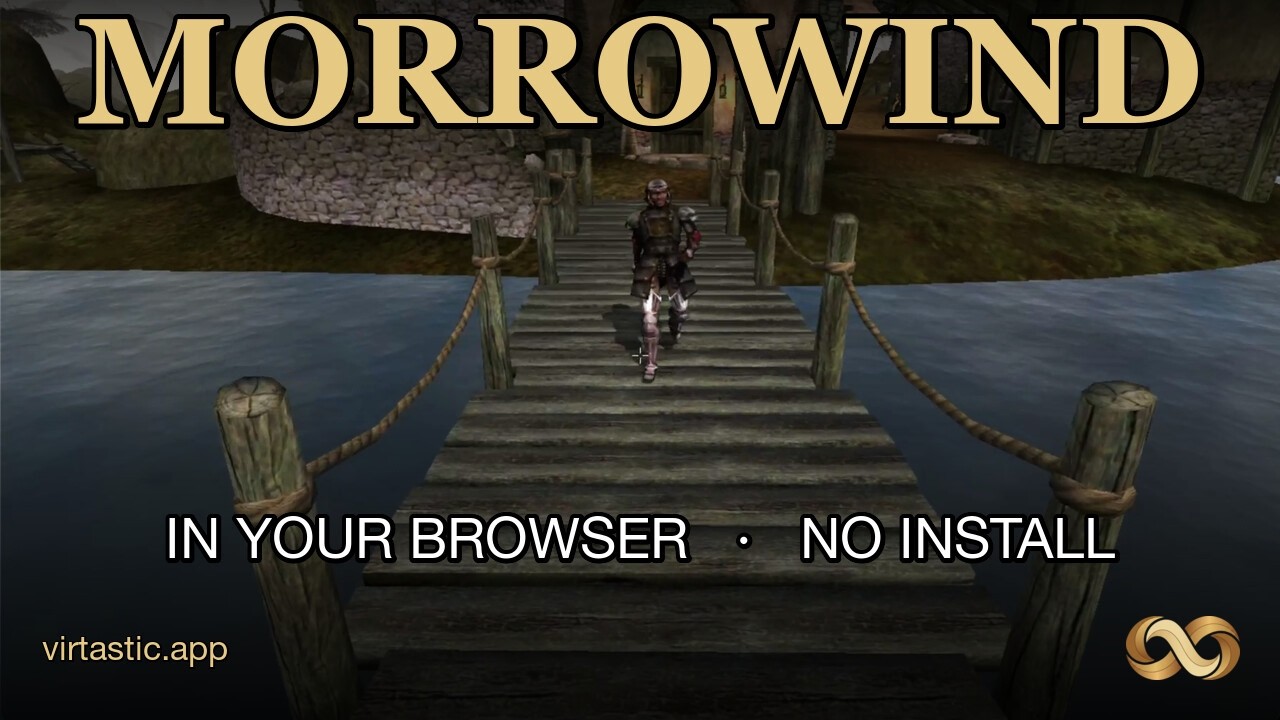
GamingThe Elder Scrolls III: Morrowind

Play Morrowind in a browser? Demo, BYO files, or install OpenMW

OpenMW-Web runs a free demo or your legal Morrowind install in desktop Chrome. Here is when the browser path is enough, and when Steam, GOG, or native OpenMW is the better call.

Play Morrowind in a browser? Demo, BYO files, or install OpenMW

If you just want to know whether Morrowind in a browser is a real play path or a novelty tab, this is the decision guide. OpenMW-Web can run a free demo world or your own legal install inside desktop Chrome. It is not a Bethesda cloud stream, and it is not a replacement for a native OpenMW install if you care about long campaigns and heavy mods.

What OpenMW-Web actually is

OpenMW-Web is Virtastic's WebAssembly build of OpenMW, the open-source Morrowind engine. The hosted play page is morrowind.virtastic.app. The engine runs client-side. It reads data from your machine. There is no game data bundled for the full campaign.

There are no plugins and no streaming service. The engine runs locally and reads game data from your machine.

That line is from the project's README. The same docs also state the project is not affiliated with or endorsed by Bethesda or ZeniMax. There is no official Bethesda browser client here.
Watch on YouTube
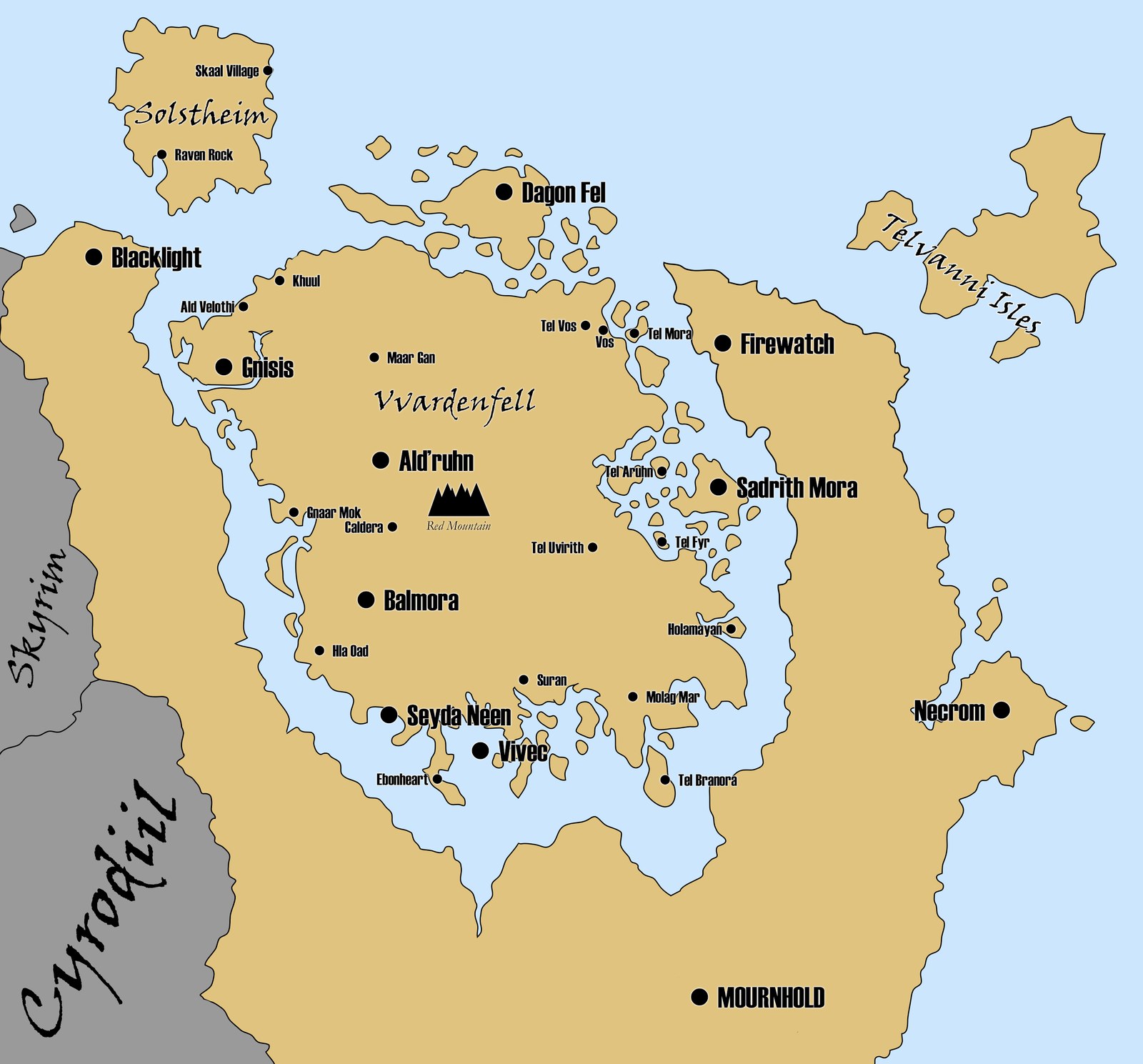
Vvardenfell map for The Elder Scrolls III Morrowind
Vvardenfell and mainland Morrowind map (CC BY-SA mapchart.net / Pottero)

How to try it in five minutes

  1. Open desktop Chrome or Chromium (the README marks Firefox, Safari, and mobile as unsupported).

  2. Go to morrowind.virtastic.app.

  3. Start the example world if you only want a free demo island with NPCs and creatures. No Morrowind purchase required.

  4. Or choose Bring your own Morrowind and point the picker at a legal Data Files folder that contains Morrowind.esm and Morrowind.bsa. Tribunal, Bloodmoon, and nearby .esp / .esm / .bsa mods in that folder are detected automatically.
  5. Steam installs under Program Files usually fail the folder picker. Copy Data Files to Documents or Desktop first, then select the copy. GOG installs under C:\GOG Games\ are not blocked the same way.

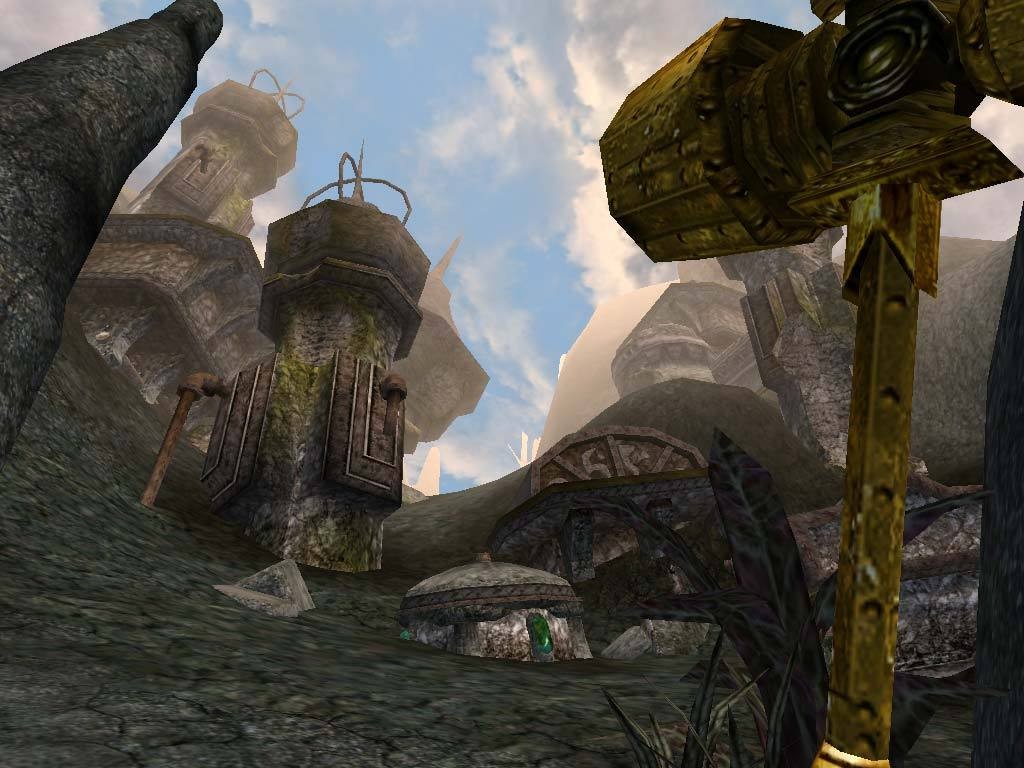
Morrowind Dwemer ruins first-person still
Morrowind GOTY store still: exploring Dwemer ruins on Vvardenfell

Compatibility checklist

  • Browser: Desktop Chrome / Chromium only. SharedArrayBuffer, WebGL2, and the File System Access API are required.

  • Mobile / touch: Out of scope. No on-screen controls.

  • Ownership: Full game needs a legal PC copy (Steam GOTY, GOG, or older disc install with complete Sound, Music, and Video folders).

  • Saves (BYO path): Written to an openmw-web-saves folder inside the directory you picked, so they survive clearing browser data.

  • Saves (demo path): Stored in IndexedDB inside the browser.

  • Settings: Options and keybinds persist in IndexedDB.

  • Performance: In-game Video options include a resolution scale (Full down to Quarter) if the tab stutters.

  • Upstream OpenMW: Native OpenMW on Windows, macOS, or Linux remains the serious long-term client, currently through the 0.51.x line on openmw.org.

OpenMW 0.51.0 release announcement still
OpenMW 0.51.0 release art from the official OpenMW channel

Browser tab, native OpenMW, or just Steam?

Pick the browser demo if you want proof the engine boots, or a five-minute Seyda Neen style wander with zero install friction.

Pick Bring-your-own OpenMW-Web if you already own Morrowind, live in Chrome on a desktop, and want a portable session without installing another launcher. Treat it as a clever client, not your forever save home until you verify mods and stability yourself.

Buy or reinstall the retail GOTY package (Steam or GOG) if you do not own the data files yet. The browser build cannot invent those assets.

Install native OpenMW if you want the daily driver: broader OS support, deeper mod tooling, and the engine the web port is tracking. Use the browser for curiosity. Use OpenMW or the original client for the 100-hour Ashlands slog.

What is not confirmed

Bethesda has not announced an official web remaster or cloud version of Morrowind tied to this project. Mod support and any future multiplayer ideas mentioned around the web port should be treated as roadmap talk until they land in a release note on GitHub.

Ready to poke around? Start at morrowind.virtastic.app, keep a legal install nearby, and follow more PC RPG coverage in the gaming feed.

← Back to latest