Tech

Valve Steam Machine: the living-room PC guide

Valve’s SteamOS cube for the TV stand. Specs, configs, what 1080p and 1440p mean here, and who should buy it instead of a console or a tower.

Valve Steam Machine: the living-room PC guide

The Steam Machine is Valve’s living-room PC: a near-cube that boots into SteamOS, talks to a controller, and runs your Steam library on a TV without dragging a tower into the den. It shipped in late June 2026 after a November 2025 reveal. This is not a handheld. It is not a traditional console. It is a small Linux gaming PC designed to feel like furniture.

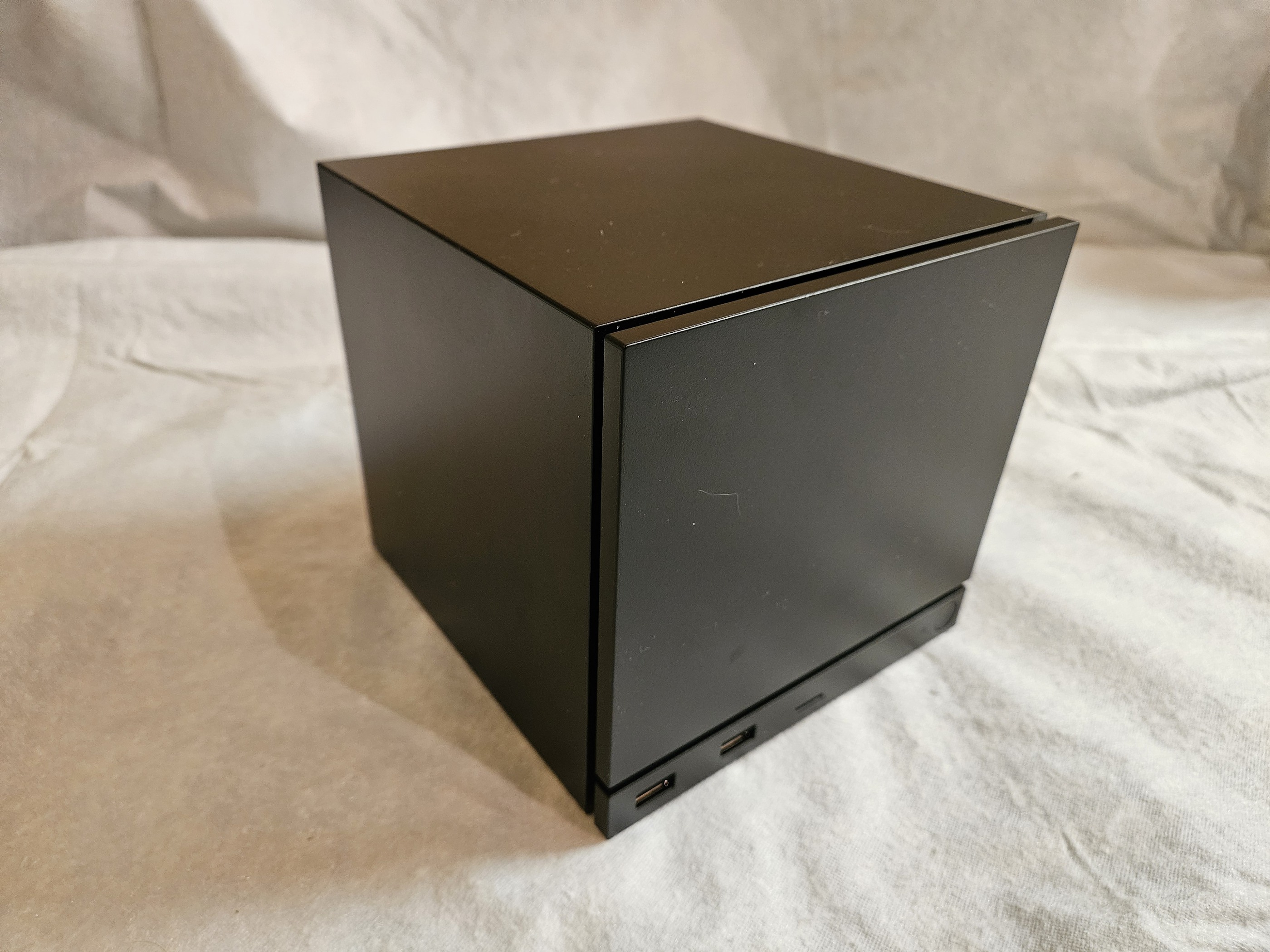
Valve Steam Machine cube from the front on a fabric surface

What you are actually buying

Out of the box you get a set-it-and-forget-it Steam client for the couch. Same SteamOS family as the Steam Deck, tuned for a big screen and a gamepad. You can drop into desktop mode, install other software, or even put another OS on it. Valve still frames the product as a PC, and that framing is honest: library compatibility, external launchers, and Linux anti-cheat limits are part of the deal.

The industrial design is the other half of the pitch. The chassis is roughly 6.1 × 6.0 × 6.4 inches and about 5.7 pounds. Internal power supply, no brick. Front USB and microSD. Rear DisplayPort, HDMI, Ethernet, more USB, and a dedicated radio path for the Steam Controller. RAM and storage are user-upgradable. The CPU and GPU are soldered.

Specs and configs

  • CPU: semi-custom AMD Zen 4, 6 cores / 12 threads, up to about 4.8 GHz, ~30W

  • GPU: semi-custom AMD RDNA 3, 28 compute units, 8GB GDDR6, ~110W

  • Memory: 16GB DDR5 (SO-DIMM, second slot available)

  • Storage: 512GB or 2TB NVMe, plus microSD expansion

  • OS: SteamOS

  • Valve claim: roughly 6× Steam Deck performance

US pricing at launch:

  • 512GB: $1,049

  • 512GB + Steam Controller: $1,128

  • 2TB: $1,349

  • 2TB + Steam Controller: $1,428

Same silicon across the board. You are paying the upgrade tax for storage and whether Valve’s controller comes in the box.
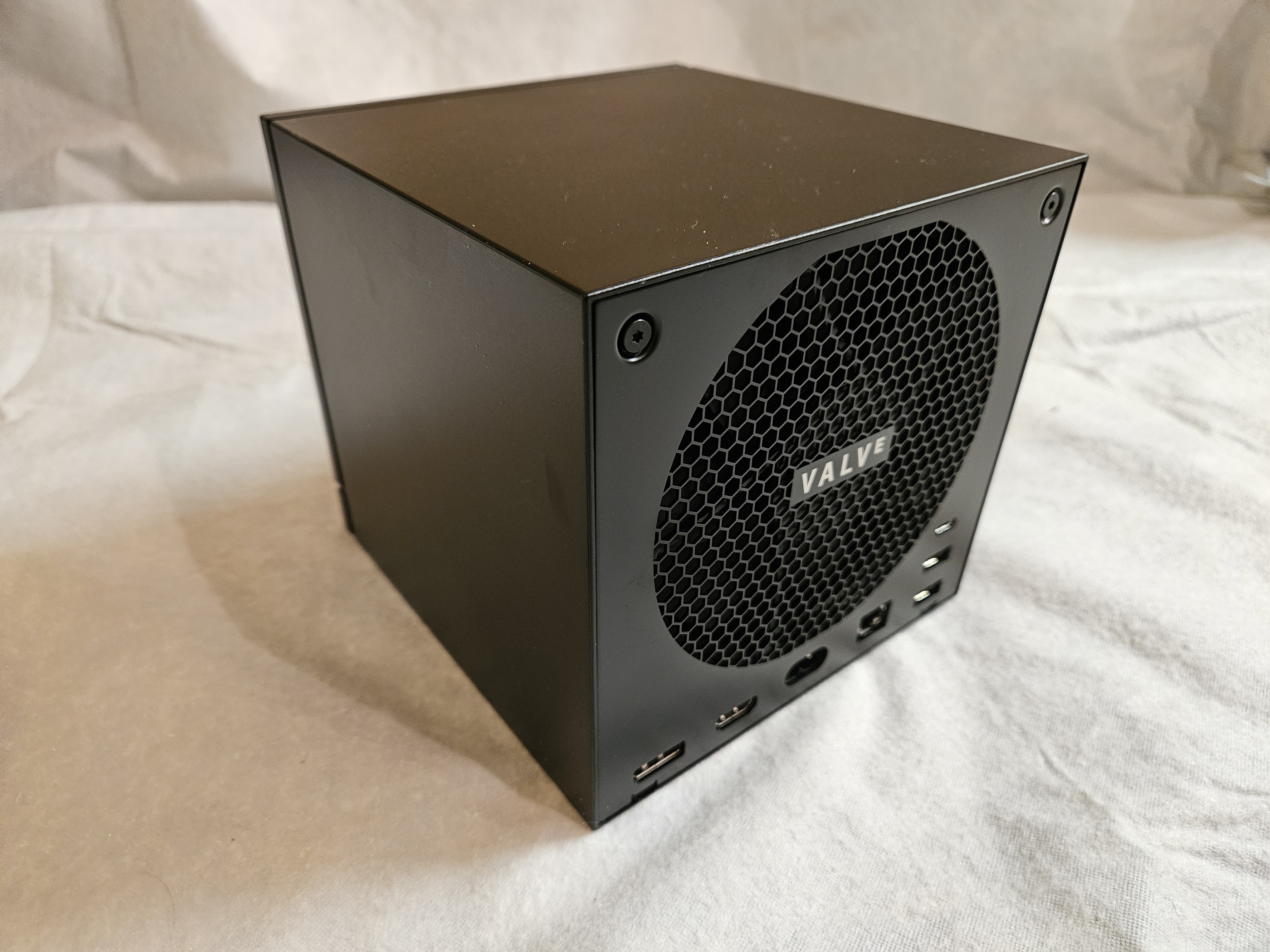
Valve Steam Machine rear panel with honeycomb vent, Valve badge, and I/O ports

How it plays on a TV

Treat this as a 1080p-first living-room box that can stretch into 1440p with upscaling. Native 4K as a default expectation is the wrong buy thesis. Valve’s own messaging walked back early 4K marketing toward “up to 4K with FSR,” which is the honest version: some lighter titles and upscaled presets can get there, heavy path-traced presets will not.

SteamOS helps the couch case. Big menus, controller-first navigation, compatibility badges on the library, multi-account logins. It is smoother than parking a Windows tower under the TV and fighting Big Picture Mode. It is still a PC: third-party launchers can pop overlays, some multiplayer titles choke on Linux anti-cheat, and a few verified games still need virtual keyboard muscle memory for account prompts.

Who it is for

  • Buy it if you already live in Steam, want local couch play without streaming latency, and care more about a quiet cube that disappears into a media shelf than about max frames per dollar

  • Buy the 2TB model if you keep more than a handful of modern installs active. 512GB fills up fast once Street Fighter-sized titles and live-service clients land

  • Skip it if you want the cheapest path to 60fps on a TV. A current console still wins that fight on price. A DIY midrange tower still wins on raw GPU headroom and upgrade paths

  • Also skip it if your must-play multiplayer list depends on anti-cheat that does not run on Linux, unless you are ready to install Windows and give up the SteamOS living-room face

How to decide in one minute

Ask three questions. Do you already own the Steam games you want to play on the couch? Do you accept 1080p / smart 1440p as the daily target? Are you paying for the engineering of a tiny, quiet, SteamOS-first box rather than for a spreadsheet of GPU benchmarks? If those answers are yes, the Steam Machine is the product Valve meant to ship. If any answer is no, buy a console for simplicity or a tower for power.

More living-room gear guides live in Tech Picks.